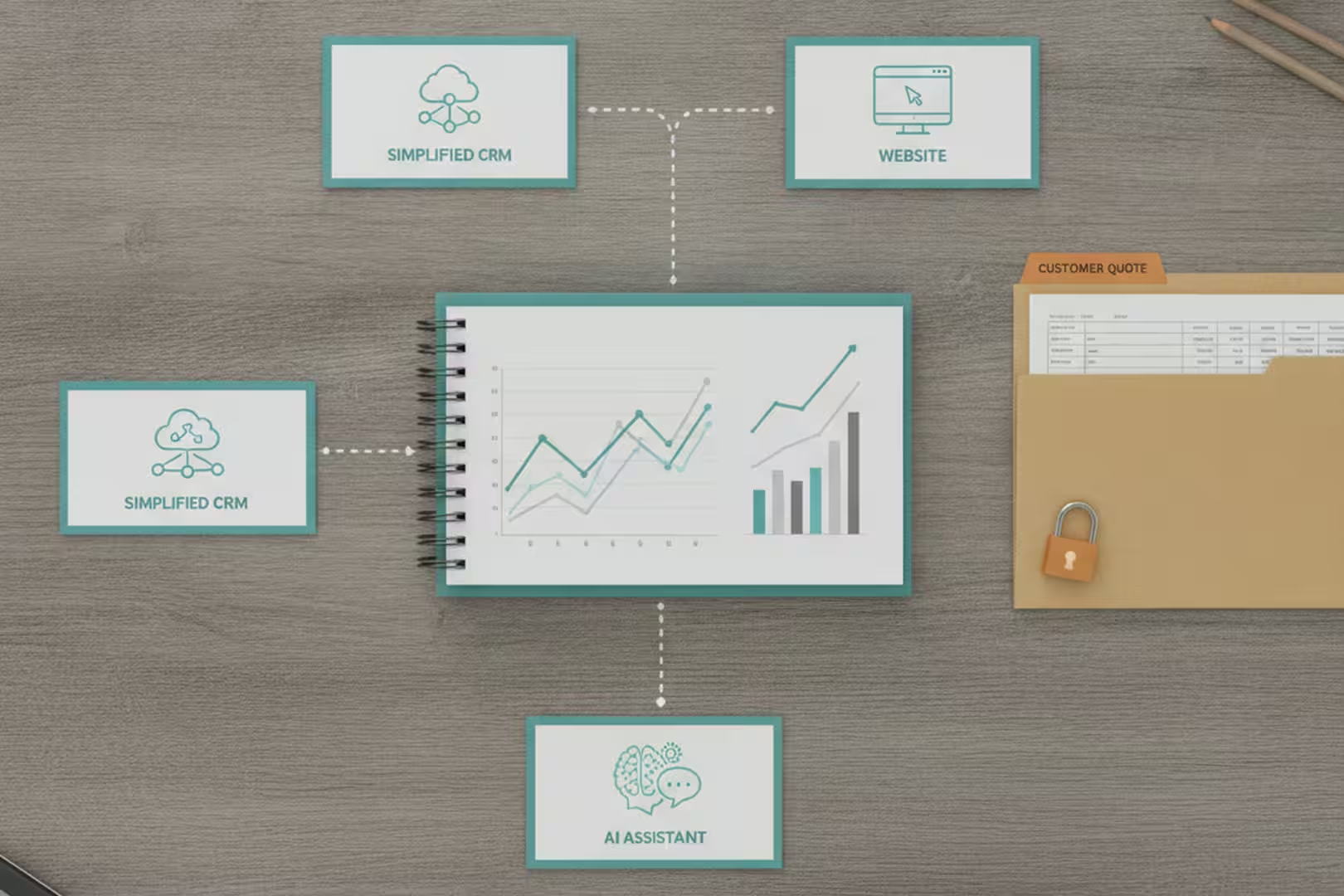

Over a couple of days in early June, I pointed AI assistants at three separate corners of our operation: our websites, our social media history, and our security configuration. They worked through the night. By morning I had prioritized lists of findings across all three areas: website SEO, content patterns, and access risks.
What we got back was useful. What the experience taught us about how to use AI for this kind of work was more useful.
A website SEO audit across 325 pages
Between our two companies, we have a lot of web pages. Product pages, project galleries, service descriptions, blog posts. I honestly don’t know the last time anyone sat down and systematically checked whether they were all set up well for search, especially the project pages a homeowner or pool builder might find while comparing contractors.
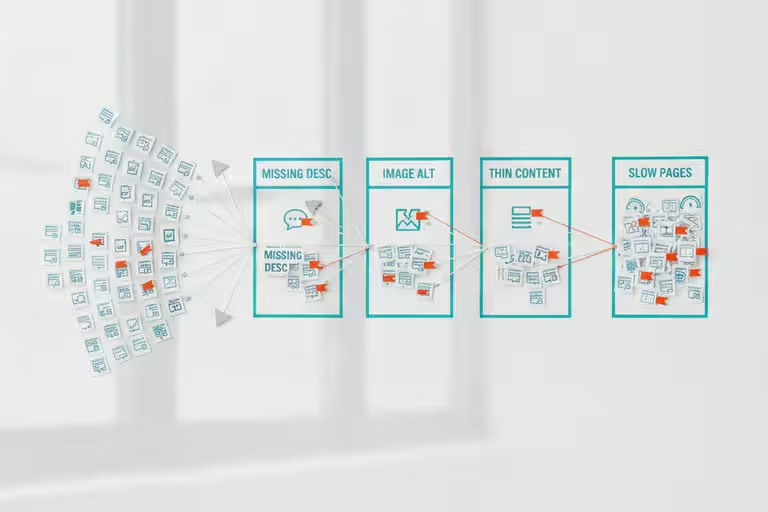
We ran an AI assistant through both sites – more than 325 URLs – and had it flag every page with a missing description, a title that was too long or too short, images without descriptive text, thin content, or pages that were slow to load. It worked through them methodically and produced a queue of small-business SEO findings.
Here’s the part that matters for how we set this up: the AI flagged and queued every issue. It did not change anything on its own. Before a single word changed on any page, a human reviewed the finding and approved the fix.
That gated approval step sounds like extra work, and honestly, it is a little. But an AI assistant that can edit your website without asking is a liability wrapped in a convenience. For anything customer-facing, the pattern we use is: the AI proposes, a human approves, then the AI executes. That sequence gives you the efficiency of automation without the risk of waking up to a homepage that now says something you didn’t intend.
Our rule for anything customer-facingThe AI proposes, a human approves, then the AI executes.
A social media content audit
Separately, we had a team of AI agents review two months of posts across our social channels: what was getting engagement, what was falling flat, what felt off-brand, and what was redundant with something we’d already said.

We used sixteen agents working through the archive in parallel, each covering a slice of the content. Not because you need sixteen AI assistants to read Instagram posts, but because splitting the work that way meant we got results in minutes instead of waiting for one agent to work through everything sequentially. A human read the consolidated summary and made the actual decisions.
The findings weren’t dramatic. A few things we’d guessed were confirmed. A few patterns we hadn’t noticed showed up clearly. One recurring theme: posts that led with a specific project detail consistently outperformed posts that led with a general statement about what we do. Good to know, and costs nothing to act on.
A security and access review
The third audit was less glamorous but probably the most important: a sweep of our credentials, configurations, and access controls. For a trades business, that still matters. Customer information, email accounts, website logins, and backup destinations are all part of the operation now.
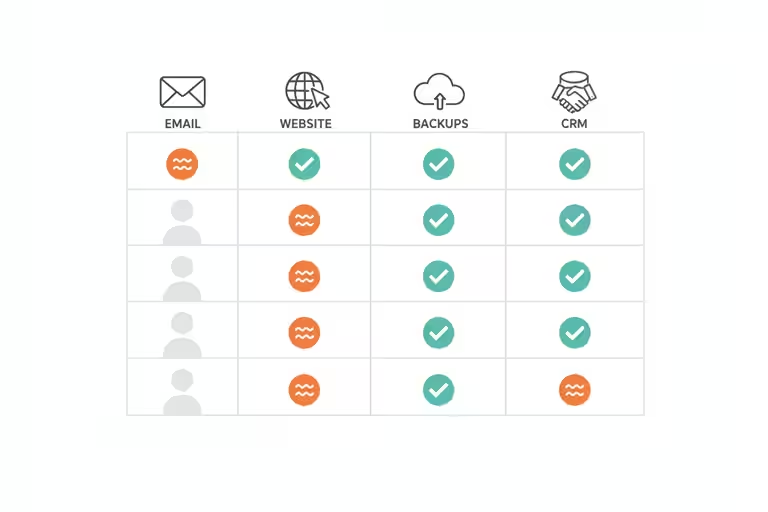
We set up 14 AI investigators to work through 14 categories simultaneously: which accounts had unnecessary access, whether any old access credentials were still active, whether backup configurations were pointed at the right destinations. Each investigator produced a finding. A human reviewed the consolidated report and triaged what needed fixing.
Fourteen findings came back. We fixed what needed fixing. None of it was catastrophic, but several things had drifted over time into states we wouldn’t have chosen deliberately. The kind of quiet accumulation that happens when you’re focused on building and not on auditing.
Why I used several AI audit assistants
One thing I have learned using AI is that different models and different prompts behave differently. AI is great, but it is not infallible. Sometimes the answer is correct for a different situation than the one you are actually in. Sometimes one assistant catches what another one misses.
That is why we split the audit into specialists. One looked at SEO. One looked at social posts. One looked at access and security. Then a human read the combined report. The value was not that one giant AI knew everything. The value was that several focused passes gave me better raw material to judge.
AI audit findings still need human judgment
AI audits surface findings, not wisdom. An SEO tool will flag every page with a description under a certain length, but sometimes a short description is intentional. A security scan can’t replace a human who understands your specific business context: what’s sensitive, what’s legacy by design, what the acceptable tradeoffs are.
Use the list as a starting point, not a checklist to execute blindly. The AI found 14 security items. A human had to decide which 14 mattered in what order, and whether any of them were false positives. Two of them were.
The same applies to SEO findings. More words on a page isn’t always better. A recommendation is a recommendation, not an instruction.
Start with a simple website SEO audit
If you haven’t looked at your website’s SEO setup in the past year, that’s a reasonable first project. Most website platforms (WordPress, Squarespace, Wix) have free or low-cost SEO audit tools you can run yourself without any AI involved. PageSpeed Insights from Google is free and takes about 30 seconds.