
Picture moving your whole shop across town over a weekend. Every tool, every piece of equipment, every file cabinet. Monday morning your crew shows up and everything is where it belongs. Nobody missed a call. Nobody lost an estimate. The customers have no idea anything happened.
That’s what we pulled off last week with our AI platform, and I want to tell you about the boring work that made it possible – because business downtime is not an abstract technology problem when your phone, CRM, and job schedule all depend on the same system.
Why AI platform reliability matters
Most AI coverage focuses on the visible wins. Voice assistants. Automated quotes. Smart scheduling. That stuff matters, and it does save real hours.
What rarely gets mentioned is the infrastructure underneath it. Moving a platform that handles customer calls, CRM data (that’s the contact and job database – your digital Rolodex), voice agents, and automated tasks to brand-new hosting is nerve-racking. One misconfigured server, one missing database file, one deploy that lands on the wrong machine – and you’re explaining to customers why nobody picked up the phone on Tuesday.
We had been running our operation on one hosting setup for a while. It worked, but we’d grown: more services, more data, more things that mattered. The new hosting was faster and better spec’d. But knowing it’s the right move and actually making the move without breaking anything are two very different problems.
The backup and recovery prep that saved us
Here’s what we did before we touched a single live system.
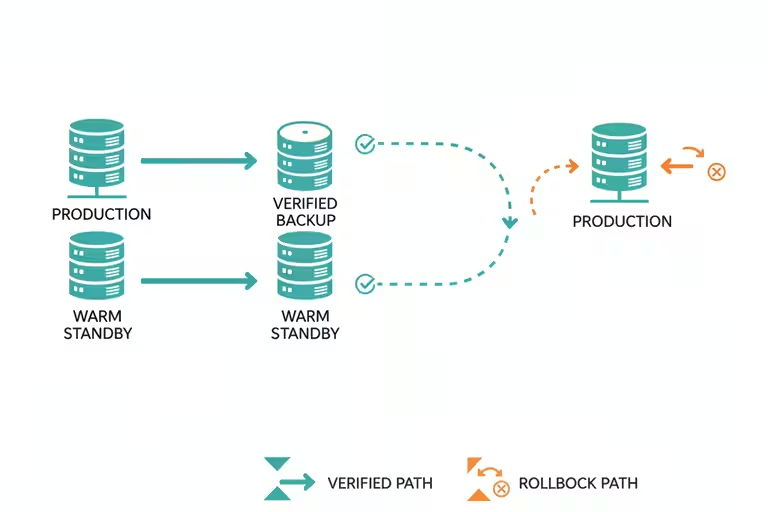
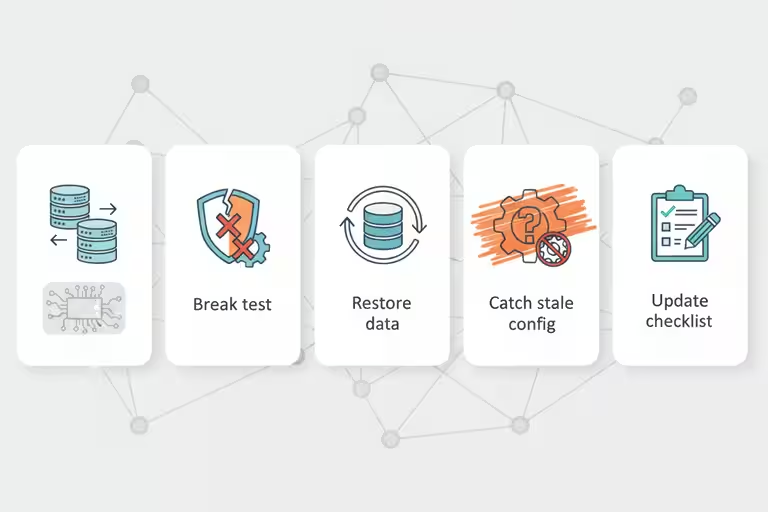
Backups, then backups of the backups. I know that sounds obvious, but I mean current, tested backups – not the ones you set up six months ago and assumed were running. We verified every database, every recording, every config file. If we had to roll back, we’d be rolling back to something real.
A warm standby. Think of this like staging a second crew truck with all the same tools. The new server was fully configured and tested weeks before the cutover. We ran it in parallel, not live, until we were confident.
Disaster-recovery drills. This is the one most shops skip. We actually practiced the restore. Not on the real system – on a copy. We blew it up on purpose and timed how long it took to come back. You do not want the first time your team runs a backup restore procedure to be during an actual emergency.
Here’s the moment that made me glad we ran the drill. Halfway through the practice restore, the voice-agent database came back up but pointed at the wrong config file – a leftover from the old server setup. The agents started, looked healthy, and would have answered calls with stale routing rules. On a test copy, that’s a finding. On cutover day with customers calling, that’s an incident. We caught it, fixed the config, documented the step, and added it to the checklist. Forty minutes of drill time, potentially hours of customer-facing grief avoided.
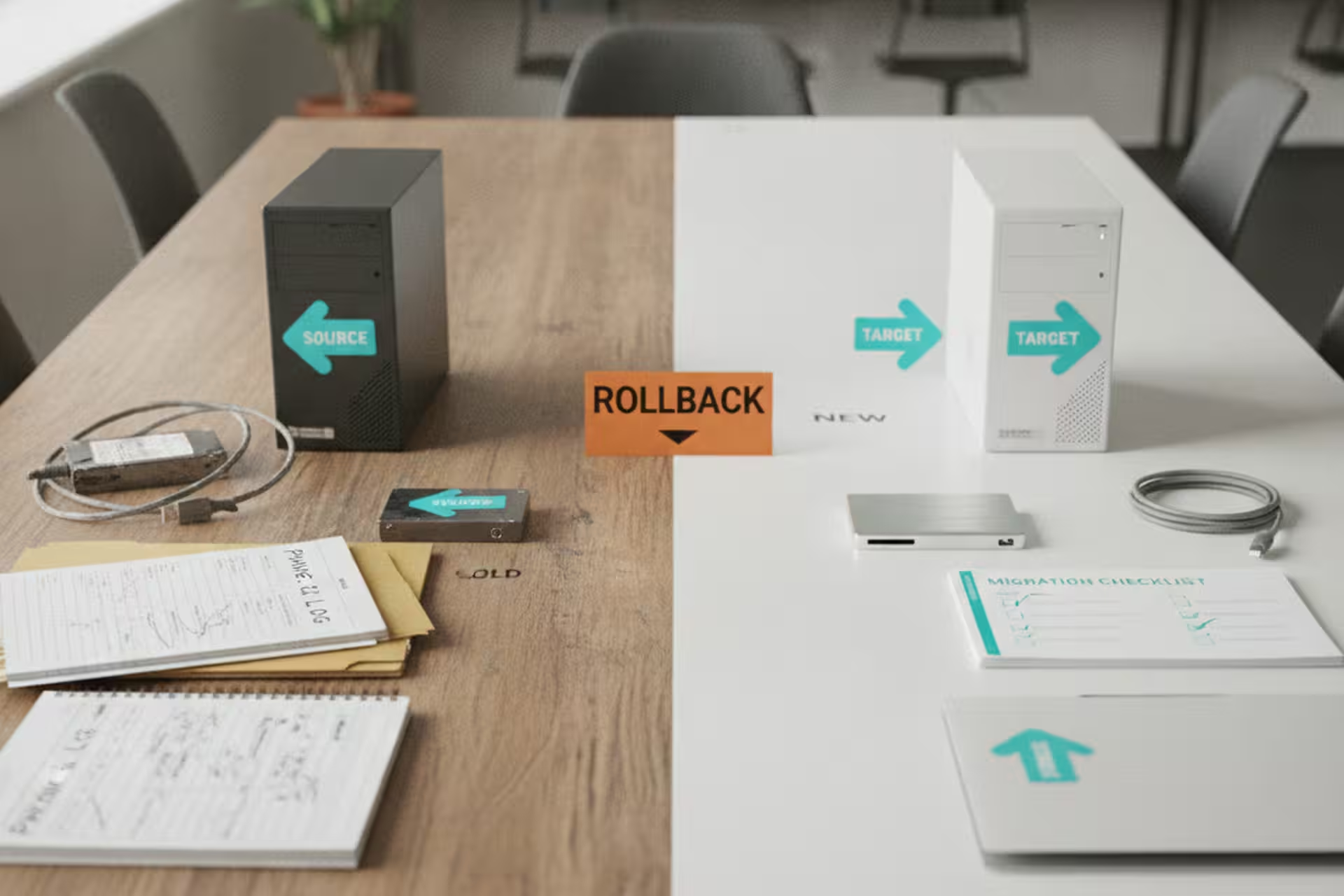
Host-aware deployment. When you’re managing multiple servers, you can end up in a situation where a deploy – think of it like sending a new version of a tool to your crew – lands on the wrong machine. We labeled everything so the system knows which server it’s talking to and refuses to run a job on the wrong host.
Think of it like color-coded key tags on a truck fleet. The red tag goes with Truck 1, the blue tag goes with Truck 2, and if someone grabs the wrong keys the ignition won’t turn. That’s roughly what this does for software. It sounds simple. It prevents a whole category of expensive mistakes.
What happened during the hosting migration
We moved on a Saturday. We had a checklist, we had a rollback plan, and we’d tested both. By Sunday afternoon, everything was running on the new platform. Voice agents answering calls. CRM accessible. Automated jobs running on their usual schedule.
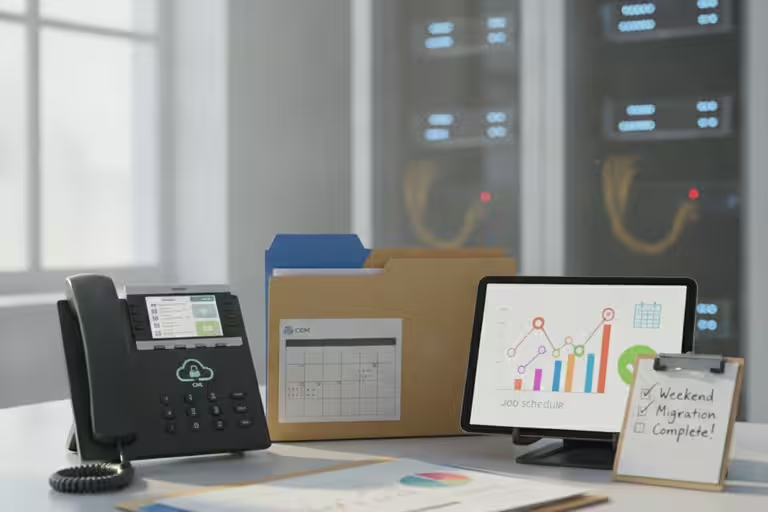
Monday morning: no customer emails asking why something was broken. No missed calls showing up in the logs. Nothing. The migration was invisible from the outside, which is exactly what you want.
What downtime planning still won’t protect you from
I won’t pretend this was quick. The prep work I described above took several weekends. Backups had to be verified, not just assumed. The warm standby had to be configured correctly, not just spun up. The DR drills took time to design and run.
If you skip the prep and just move, you’ll probably be fine. Until you’re not. And the day you’re not is the day a customer calls and nothing answers, or an estimate goes missing, or a payment doesn’t process. At that point you’re not thinking about how much time the prep would have taken. You’re thinking about how fast you can fix it.
The boring work is what keeps the phones, quotes, and crews moving.
A downtime checklist for a small business
If your business runs on any software you depend on – scheduling, CRM, phone system, website – find out when the last backup ran and whether anyone has ever tested the restore. Not “does a backup exist.” Does the restore actually work.
That’s the question that matters. And most small businesses don’t know the answer until something breaks.
If you want to talk through what a simple backup-and-recovery approach looks like for a shop your size, reach out. It’s one of those things that’s less complicated than it sounds once you’ve done it once.