
For a long time, the crew schedule lived in a spreadsheet. It worked because everyone knew where to look, but it was still a snapshot of a moving week.
The problem wasn’t the spreadsheet itself. The problem was everything that happened after the spreadsheet changed. A job moved. A crew member was unavailable. The weather pushed a pour to Thursday. Now the version someone saw earlier in the day might be wrong, and the confusion came from people working from different copies of the plan.
If you coordinate crews, you’ve lived this. It doesn’t matter if the schedule starts in a spreadsheet, a group text thread, or one person’s head. The problem is a schedule that changes often but does not update everywhere at once.
What we built for crew scheduling
We stood up a crew scheduling app this month that covers our install crews and job assignments. At its core it’s not complicated: jobs get entered, crew members are in the system with their availability, and the app assigns people to jobs based on who’s free and what skills a job needs.
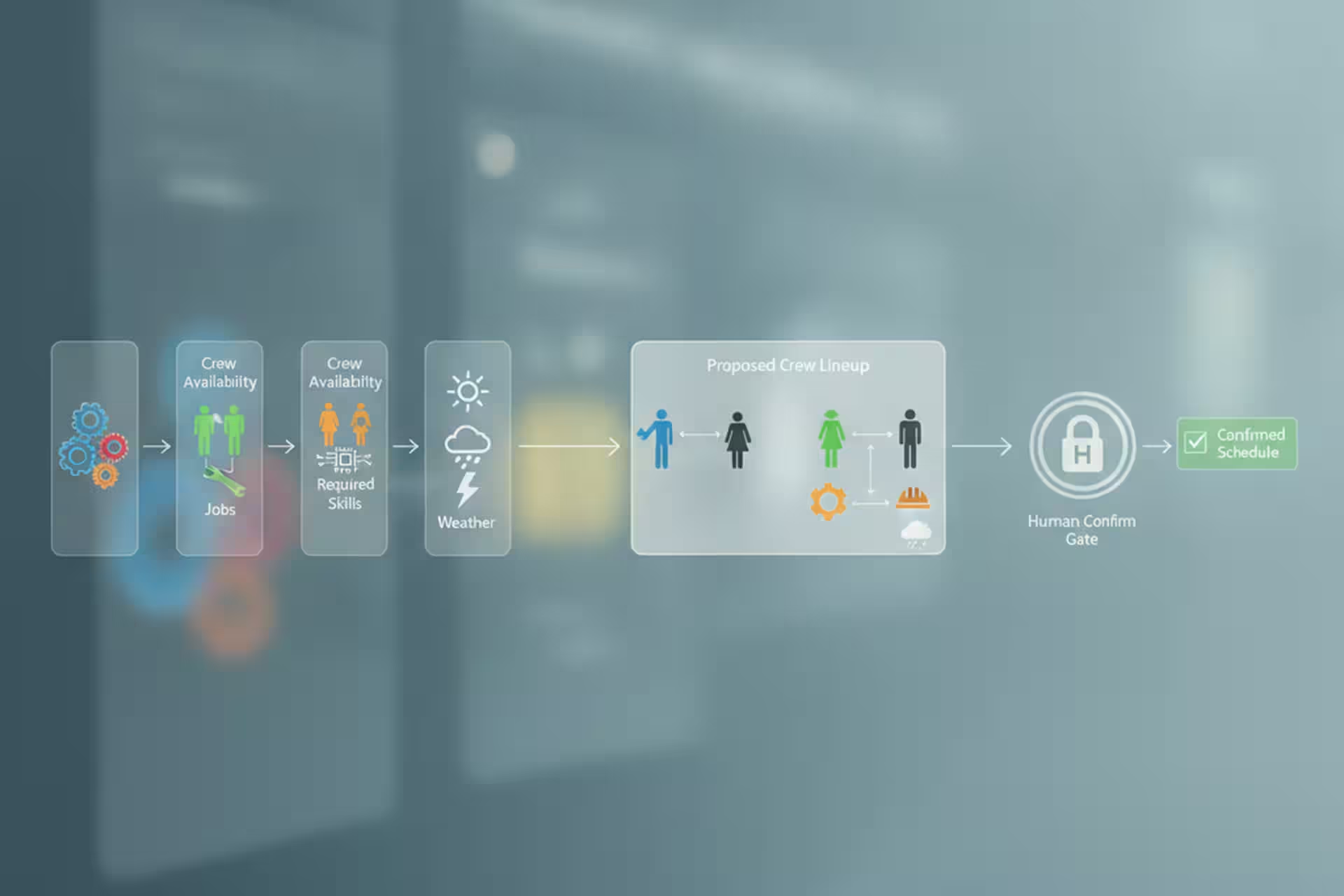
The “auto-scheduling” part means the app can suggest a crew assignment – it looks at who’s available, who’s already booked, and what each job requires, and it proposes a lineup. You still review it and confirm. It’s not the app making the final call; it’s the app doing the tedious matching work so you’re reacting to a draft instead of building the whole thing from scratch.
That distinction matters. People hear “auto-scheduling” and picture software that runs the whole operation without them. That’s not what I’m describing. The version that actually works for us is: the software handles the obvious assignments, surfaces the conflicts, and leaves the edge cases for human judgment.
I do not put much weight in average numbers for this kind of thing, because every operation runs differently. What I do know is simpler: if the schedule changes frequently and the current version is not visible to everyone who needs it, the business is going to keep paying for that with confusion and missed details.
The spreadsheet sync that made the switch painless
The main lesson from our rollout was simple: don’t throw out the old spreadsheet on day one.
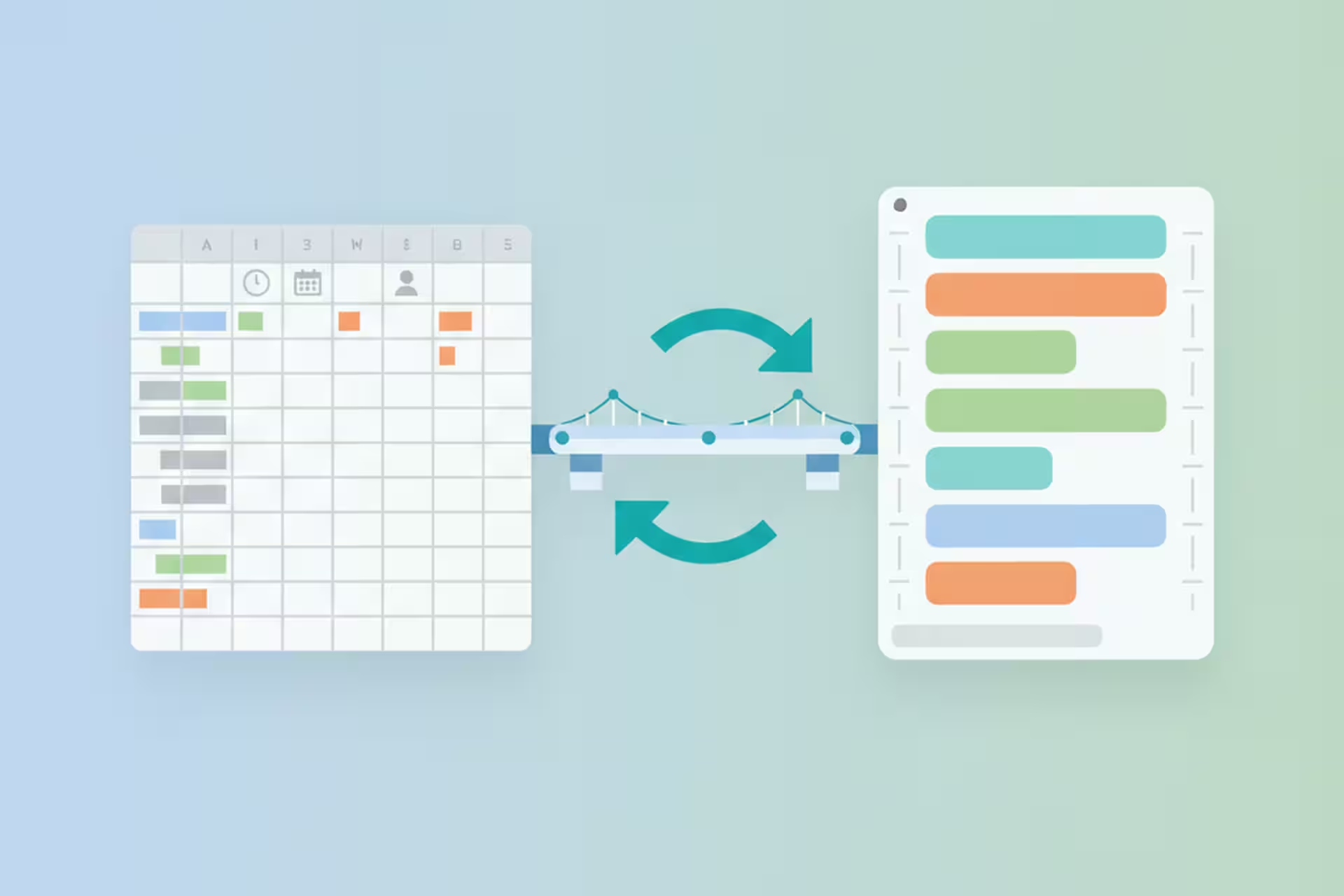
We kept our Excel spreadsheet running alongside the new app for the first few weeks. The two systems sync in both directions – a change in the app shows up in the spreadsheet, and an update in the spreadsheet (for whoever hadn’t switched to the app yet) feeds back into the system.
That two-way sync changed the dynamic of the rollout completely. People who were nervous about the new tool didn’t have to trust it immediately. They could keep doing what they were doing while the rest of us used the app, and the schedule stayed consistent across both. Over time, as the app proved itself, the spreadsheet became the backup rather than the primary. By the time we stopped updating it manually, nobody noticed.
The principle generalizes. Almost any time you’re moving a team off a tool they’re used to, the hard part isn’t the software – it’s the trust. They’ve been burned by systems that launched with fanfare and then broke at the wrong moment. The way to earn that trust is to not ask them to abandon the old system as a condition of trying the new one. Let both run. Let the new one prove itself. Then the transition happens naturally.
What the scheduling app changed day-to-day
The clearest win is that the schedule reflects changes as they happen.
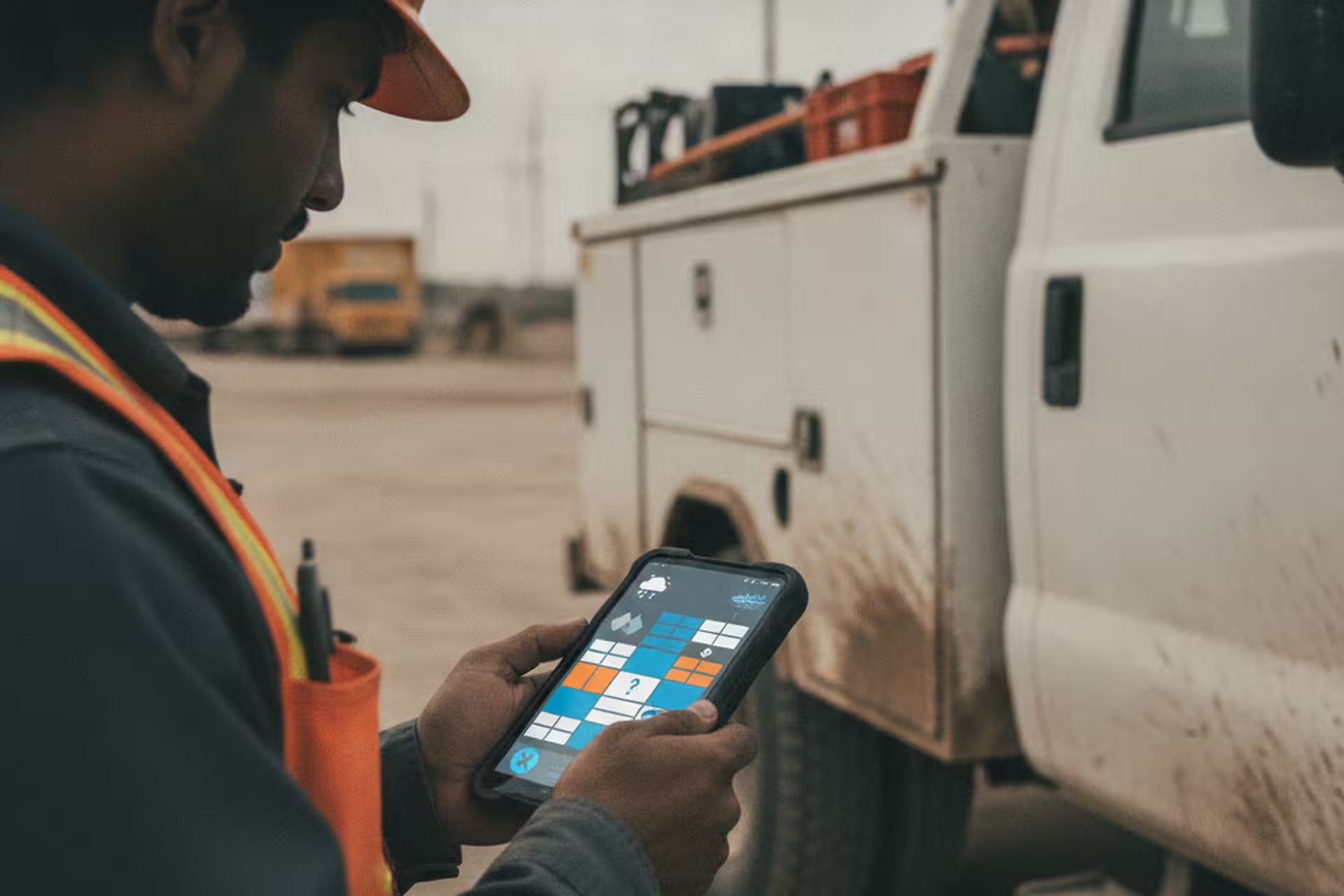
Before, the spreadsheet could be correct at 8 a.m. and stale by lunch. A job moved, availability changed, weather shifted the plan, and people were suddenly working from different versions of the week.
Now the contractor schedule is a shared live view. Crew members can check the current plan themselves. Changes are visible immediately. When a job pushes to the following week, one update propagates everywhere. The value is not that nobody asks questions anymore; it is that everyone starts from current information instead of an older spreadsheet.
Where auto-scheduling still needs a human
Auto-scheduling only knows what you put in it.
If a crew member updates their availability in the app, great – the system handles it. If someone mentions a change and nobody logs it, the schedule is wrong and the app doesn’t know. If a truck breaks down and no one updates the job status, the auto-assign will keep sending that truck out. Garbage in, garbage out – a rule that applies just as much to scheduling software as it does to everything else.
The other thing: scheduling software doesn’t fix a chaotic operation. If your jobs are poorly scoped or crew assignments change last-minute because of upstream planning problems, an app will reflect that chaos clearly. That can be useful – it surfaces problems that were previously invisible – but don’t expect the tool to solve problems that live in the process, not the calendar.
If your crew schedule changes faster than the spreadsheet
You don’t have to rebuild your whole operation to get value out of better scheduling tools. The useful first step is simple: make the current schedule visible to the people who need it, and make updates flow to one shared place quickly.
Start with two questions. Where is the current version of the schedule, and what happens when jobs or crew assignments change during the day? If the answer depends on someone remembering to reconcile a spreadsheet later, you’ve found the friction point. Even a basic app that lets more people see the latest schedule can reduce confusion before you add anything more advanced.
The spreadsheet got us by for a long time. I don’t miss trying to keep every moving part current by hand.