At some point last year I looked up what it actually costs to run AI video processing on hardware you own. A workstation spec’d for serious AI video work – the kind that handles upscaling and frame interpolation without turning into a space heater – runs $8,000 to $12,000. That’s before you factor in that it would sit idle for most of the year. Most of our video projects are assisted with AI, but not fully generated using AI. The math does not work for a small contractor.
The computing power AI video needs is genuinely enormous. When I tried running an upscaling job on my regular laptop, the fan spun up like a jet engine and the machine was unusable for anything else. Two hours in, the job was maybe a third done. I killed it. That’s not a workflow – that’s an obstacle.
The problem isn’t that the tools don’t work. They work well. The problem is that the hardware underneath them is built for studios and research labs, not for a shop that wants to polish forty minutes of jobsite footage before a client presentation. Nobody running a waterfall, pool, or landscape business is going to drop five figures on a workstation they’d use twenty times a year.
Cloud GPU rental works like renting a lift
Cloud GPUs work like equipment rental. A GPU, short for graphics processing unit, is the specific kind of chip that handles heavy video and AI work. The big tech providers have warehouses full of them, and they’ll let you use one for an hour or a day, then hand it back.
We hooked our AI video pipeline into a remote job broker. That’s a piece of software that takes a heavy task, sends it to a rented GPU in a data center somewhere, runs it, and ships the finished file back to us. The whole thing looks like a button click on our end. We pay for the compute time we actually used. For a forty-minute AI video upscaling job, that’s a few dollars, not a few thousand.
AI upscaling takes a lower-resolution video and rebuilds it at higher quality using pattern recognition. The model has seen enough video to make educated guesses about what the missing detail should look like. Frame interpolation adds smoothed frames between the original ones, so slow-motion footage looks cinematic instead of choppy. Neither one is magic, but both are real, and the results are good enough to put in front of clients.
We also do AI thumbnail generation and SEO scoring for our YouTube channel through the same setup. The video marketing work that used to take a morning now runs overnight in the cloud while nobody’s watching.
Why we test AI automation in a sandbox
The other thing we built around the same time is what I call a sandbox, and rented GPUs are part of what makes that practical. A sandbox is a separate environment where the AI can try things without touching the actual business systems. Instead of buying hardware for experiments that might not work, we can rent the compute for a test, run the job away from production, and shut it down when we’re done.
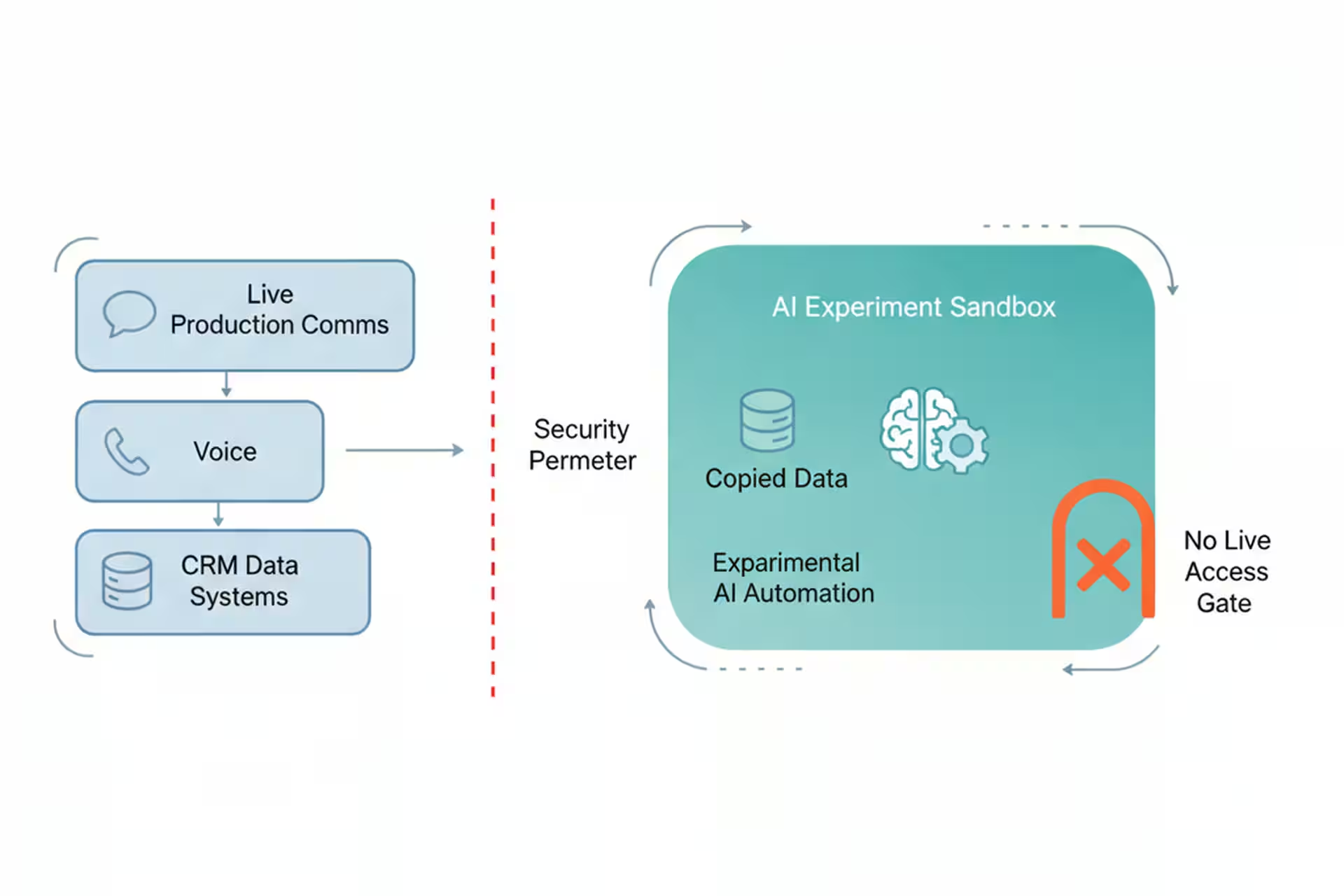
Think of it like this. You have a real kitchen where you prep food for customers. You wouldn’t test a new recipe using the same station where tomorrow’s orders are staged. You’d use a separate prep area, or come in on a Sunday when the restaurant is closed. The sandbox is that separate prep area, but for software.
When we want to try a new AI automation, whether that’s a new way to draft proposals, a new way to route incoming calls, a video model, or anything that might behave unexpectedly, we run it in the sandbox first. For heavier tests, that sandbox can use a rented GPU just like the video pipeline does. It has its own copy of the data it needs, its own services, no connection to the live CRM or the real phone system. If it does something wrong, it does something wrong in a corner nobody can see, and we are only paying for the compute while the test is running. We review the results, tweak the settings, and only then move it to production.
The reason this matters is that AI tools are genuinely useful and genuinely unpredictable in roughly equal measure. An AI assistant that can draft a solid follow-up email can also, under the wrong conditions, send one to the wrong person. The sandbox is the rule we made so that “wrong conditions” means “caught in testing,” not “already in a customer’s inbox.”
What cloud AI tools mean for a small business
For us, the practical payoff splits into two pieces.
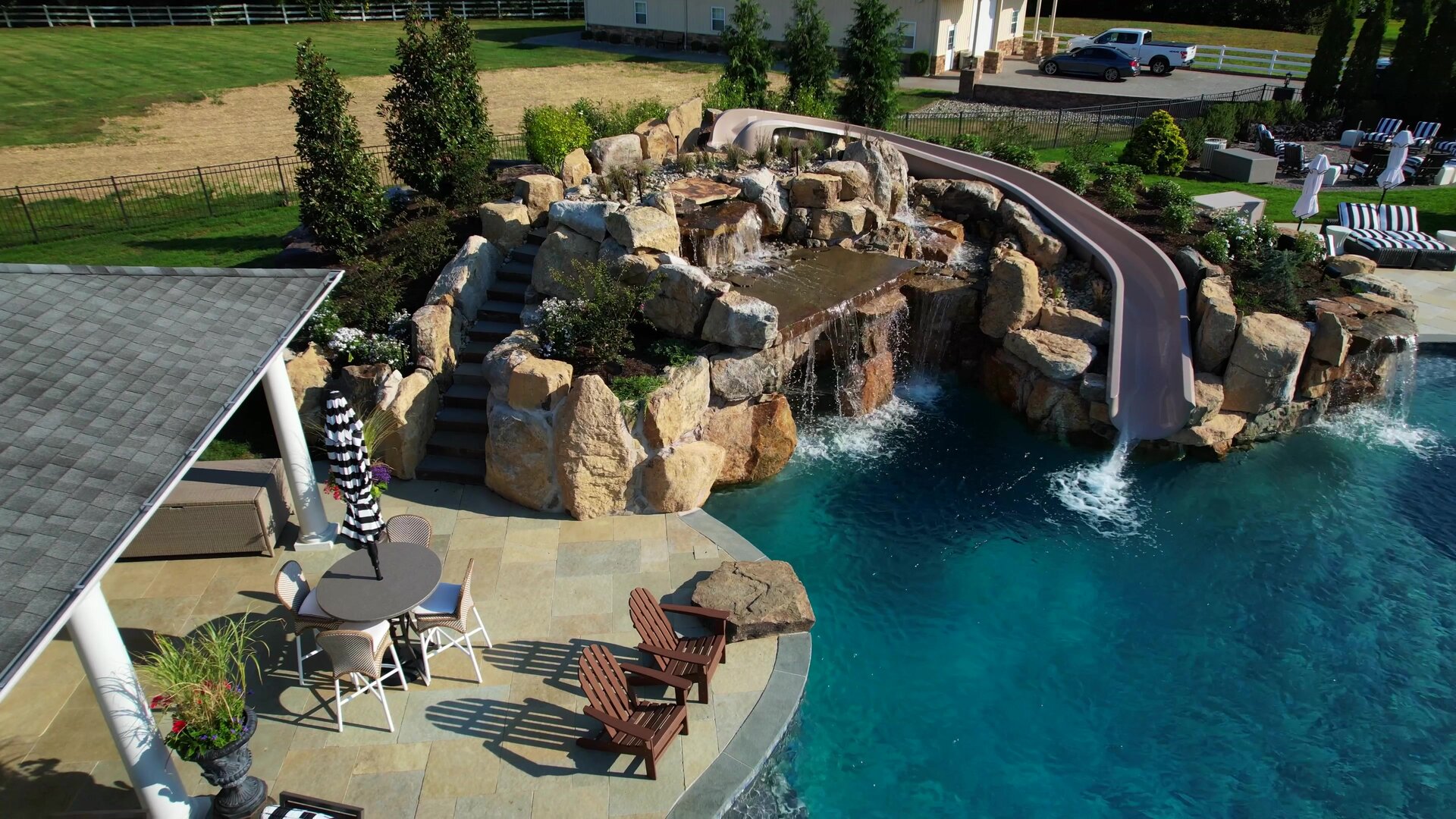
The video side means our marketing footage actually gets used. We had a backlog of good jobsite video that was too rough to publish. The cloud GPU pipeline cleared it out over a couple of weekends without anyone sitting at a computer. The finished clips go on the website, on YouTube, in proposals. Good waterfall video sells waterfalls.
The sandbox side means we move faster on experiments without lying awake about what might go wrong. Before we had it, every new automation felt like a judgment call about risk and hardware commitment. Now the rule is simple: new things go in the sandbox, rented compute handles the heavy test, and tested things go in production. That structure made it easier to say yes to new ideas and easier to explain to Chuck what we were building and why.
Where cloud GPU jobs still need a safety net
Cloud GPU work needs a solid internet connection and a pipeline that knows what to do when a job fails midway – which happens. Our setup retries automatically, but if you’re running a one-off job with no error handling, a dropped connection means starting over.
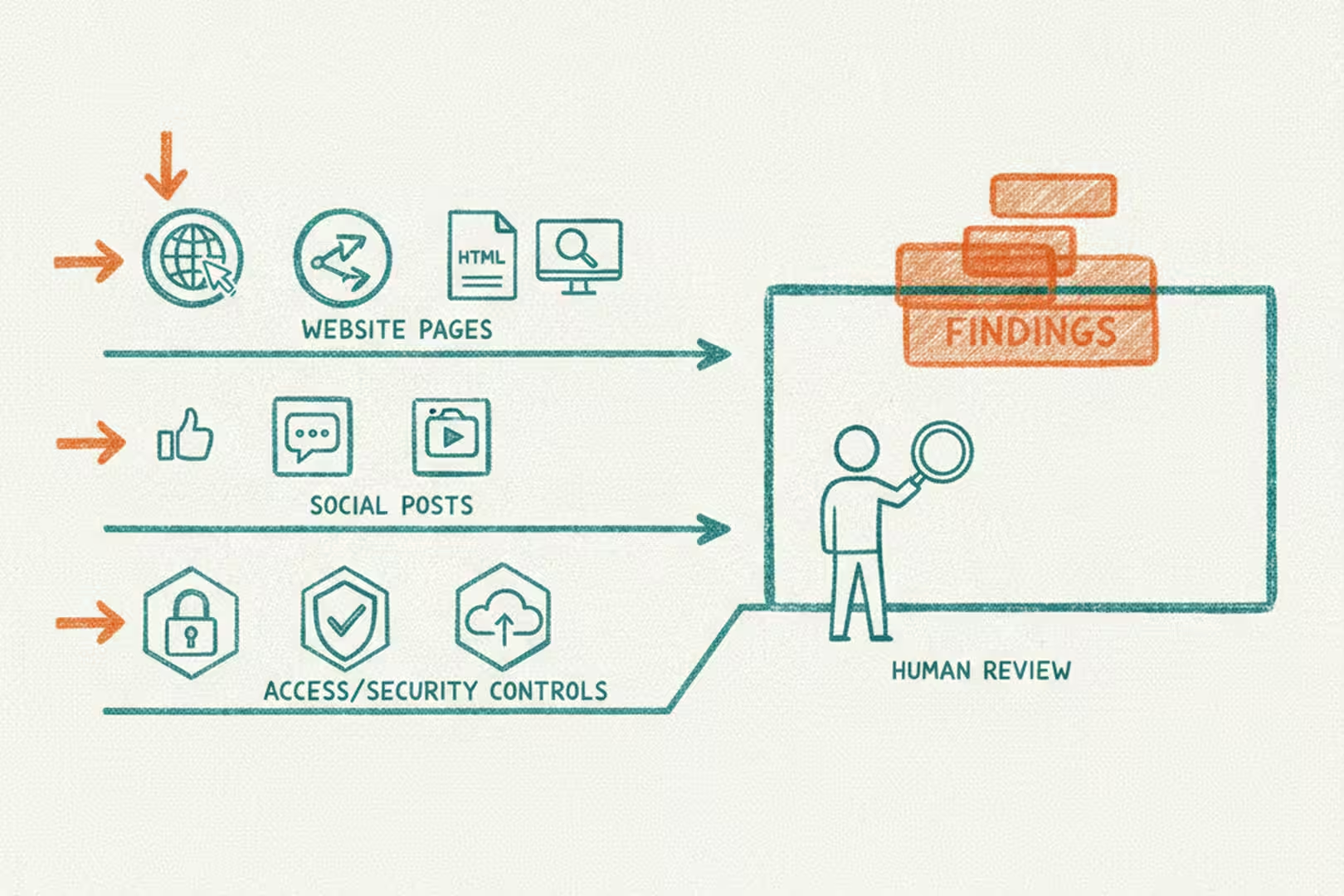
The sandbox also isn’t a substitute for actually reviewing what the AI does. It catches catastrophic failures, the kind where something clearly went wrong. It doesn’t catch subtle errors, like an AI that’s technically doing the right thing in the wrong context. A human still has to look at the output before it ships. We check the video before it goes on the website. We review the AI responses before they go live. The sandbox just means the review happens on our schedule, not after a customer already saw something we’d rather have caught.
The AI space is busy right now. There are free trials, promos, new tools, and demos everywhere. What I’ve found is that the tools we use every week pay off, and the tools we tried once and forgot are just clutter. For us, AI video cleanup and thumbnail work made sense because we already had the footage and a real place to use it. That is the test I would use before signing up for anything: do I have a real workflow for this, or am I just curious?
If you have a backlog of real work and there’s an AI tool that can help, that’s a good place to start. It’s fun to try things out and learn what’s new in the AI world, but at the end of the day AI is only valuable if it’s doing valuable work. The compute is there. You just don’t have to own it.