


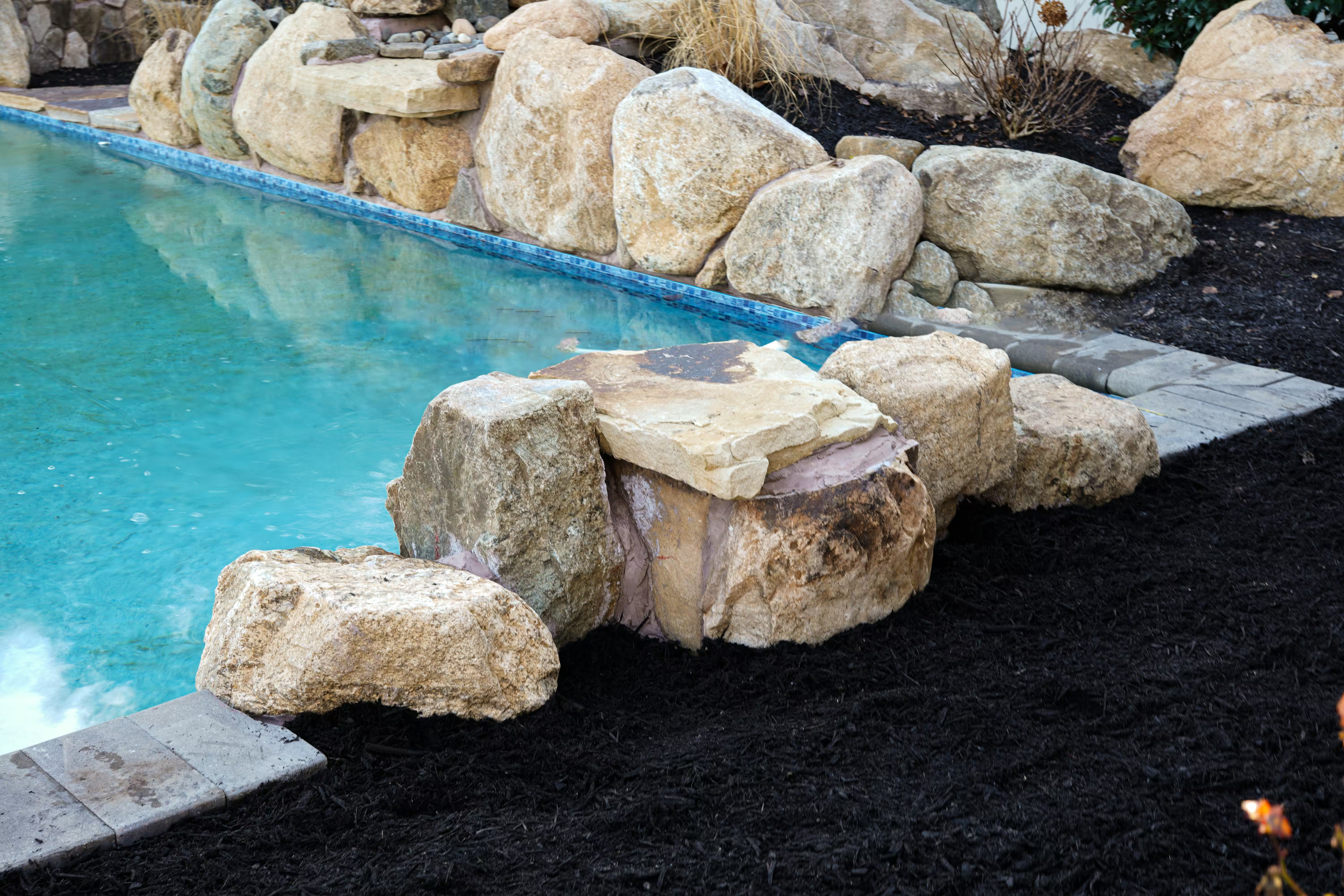
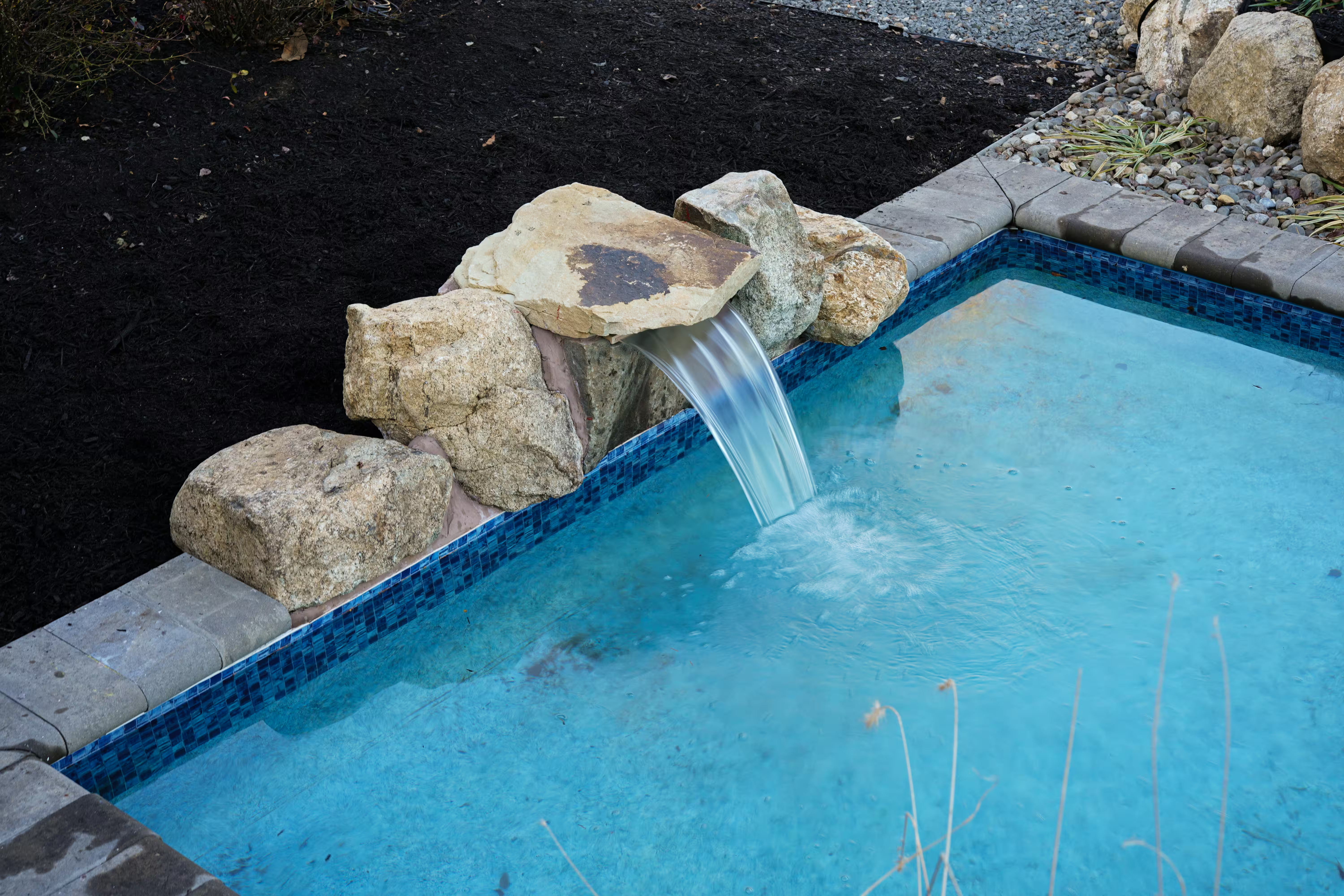

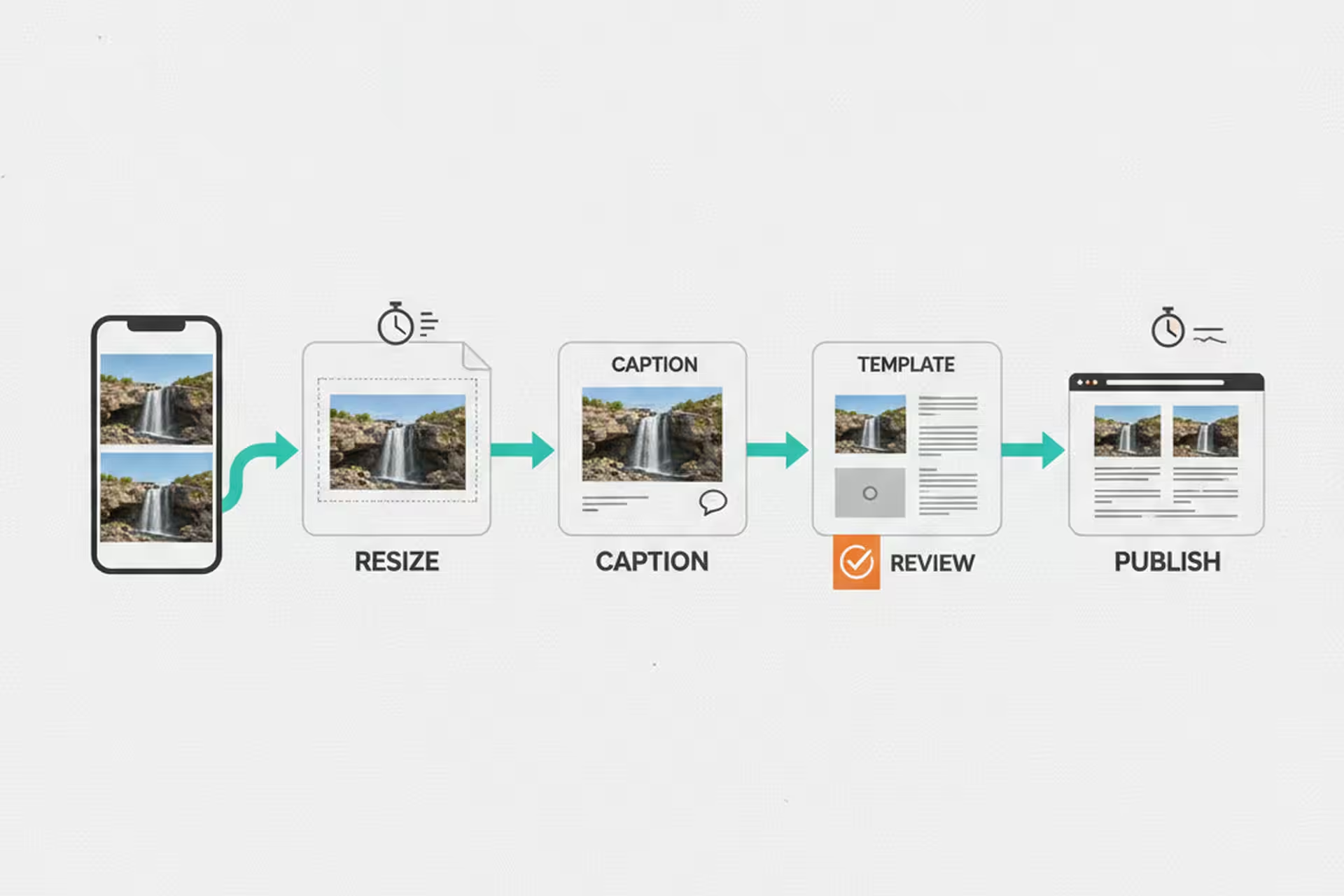
There’s a photo on my phone of a waterfall we finished last fall. Great install. The kind of job you want on your website. I took about forty photos on-site, picked the best three, and then set them aside because getting them onto the website meant sitting down, opening three different tools, resizing images, filling in fields, writing a caption, and publishing – and I had six other things on my list.
The photos sat for two weeks.
That’s not a technology problem. That’s a friction problem. The harder you make something to do, the more often it doesn’t get done. And for a small shop, your website is your portfolio. If it doesn’t reflect your recent work, you’re leaving your best sales tool half-empty.
Before we built our website management system, getting a finished install onto the site went something like this: open the WordPress admin, create a new post, upload images one at a time, resize or crop as needed, write a title and description, assign categories and tags, check that the gallery template looked right, preview it, fix whatever was off, and publish. Then separately update the portfolio index.
From start to finish, about 15 to 20 minutes – on a good day, when nothing went wrong.
That may not sound like a full afternoon. But multiply it by every project we do in a year, and it adds up to a real chunk of time. More importantly, it’s the kind of task where friction wins. You do it when you have a clear desk and a focused hour. Which means it often doesn’t happen at all.
We built a custom website editor that handles the whole project publishing workflow in one place. You pick the photos, the tool handles resizing and optimization, it generates a title and pulls in the project details we’ve already entered elsewhere, it sets the right template, and it publishes. The whole thing takes under a minute now.
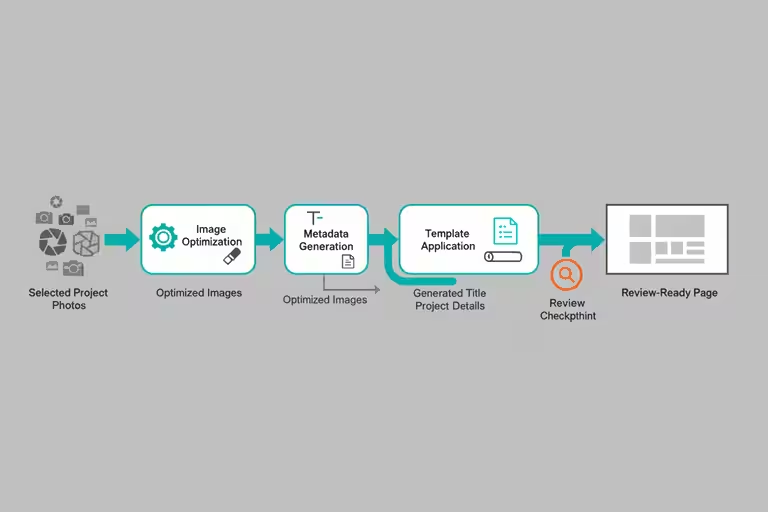
The difference isn’t that the computer is working faster. It’s that we eliminated the switching – jumping between tools, re-entering information that already existed somewhere, hunting for the right image dimensions. The automation handles the steps that were only ever annoying busywork.
The time savings that compound most reliably for a small business are usually the boring ones. Shaving 15 minutes or more off a task you do every week. Removing the friction that caused you to skip updating your portfolio for two weeks straight. Nobody writes headlines about that, but it’s where the real time goes.
We also built a YouTube management tool on the same principle: remove the friction from getting project content onto the channel.
The piece I find most useful is the AI thumbnail draft. When you publish a new video, the tool proposes a thumbnail based on the project photos and the title. It’s not always perfect – you still need a human eye on it before it goes live – but having a draft to react to is much faster than staring at a blank canvas and thinking about what to make. Most of the time the draft is 80% of the way there, and I’m adjusting rather than creating from scratch.
The SEO scoring layer checks the title and description against what tends to perform well in search – not in a black-box way, but by flagging specific things: title too long, description missing key terms for a Project Page, that kind of thing. Again, a guide, not an oracle. But useful enough that I actually use it instead of skipping the step because it feels like too much work.
My honest take is that you do not need to chase every AI update for this kind of work. Pick a friction point in your own operation and remove it. In our case, that meant getting good project photos out of my phone and onto the website before they got buried. Better tools help, but they help a lot more when you have already built the habit of using them.
Automation handles the steps that are well-defined and repeatable. It doesn’t replace judgment.
The AI thumbnail draft still needs a human look before it goes live. The SEO suggestions are starting points, not guarantees – what ranks well shifts, and a tool trained on last year’s patterns isn’t always right about this year’s. Publishing automation means nothing if the underlying content is weak or the photos are poor quality.
There’s also a real risk of automating too fast. We’ve had moments where the system published something with a formatting issue that looked fine in preview and wrong on the live page. Automation moves fast, and fast is useful only if you still have a review step before the thing is public.
The rule we follow: automate the tedious parts, keep a human eye on anything that touches the customer-facing result.
If your shop does fifty Project Pages a year, and each one takes 15 to 20 minutes, that’s about 12 and a half to nearly 17 hours. Cut it to under a minute, and you’ve saved roughly 12 to 16 hours – which matters even more when you remember that those hours weren’t all in one block. They were fifteen minutes here, twenty minutes there, scattered across a year of days when you already had too much on your list.

The real savings aren’t the time. They’re the jobs that actually make it onto your portfolio instead of sitting in a folder for two weeks.
If you’re managing your own contractor website and marketing, even basic tools – a photo-resize shortcut, a template that fills in the repetitive fields – can make a real difference in whether you actually do the thing or skip it. Start with the step that causes the most friction. That’s usually where the time is hiding.