

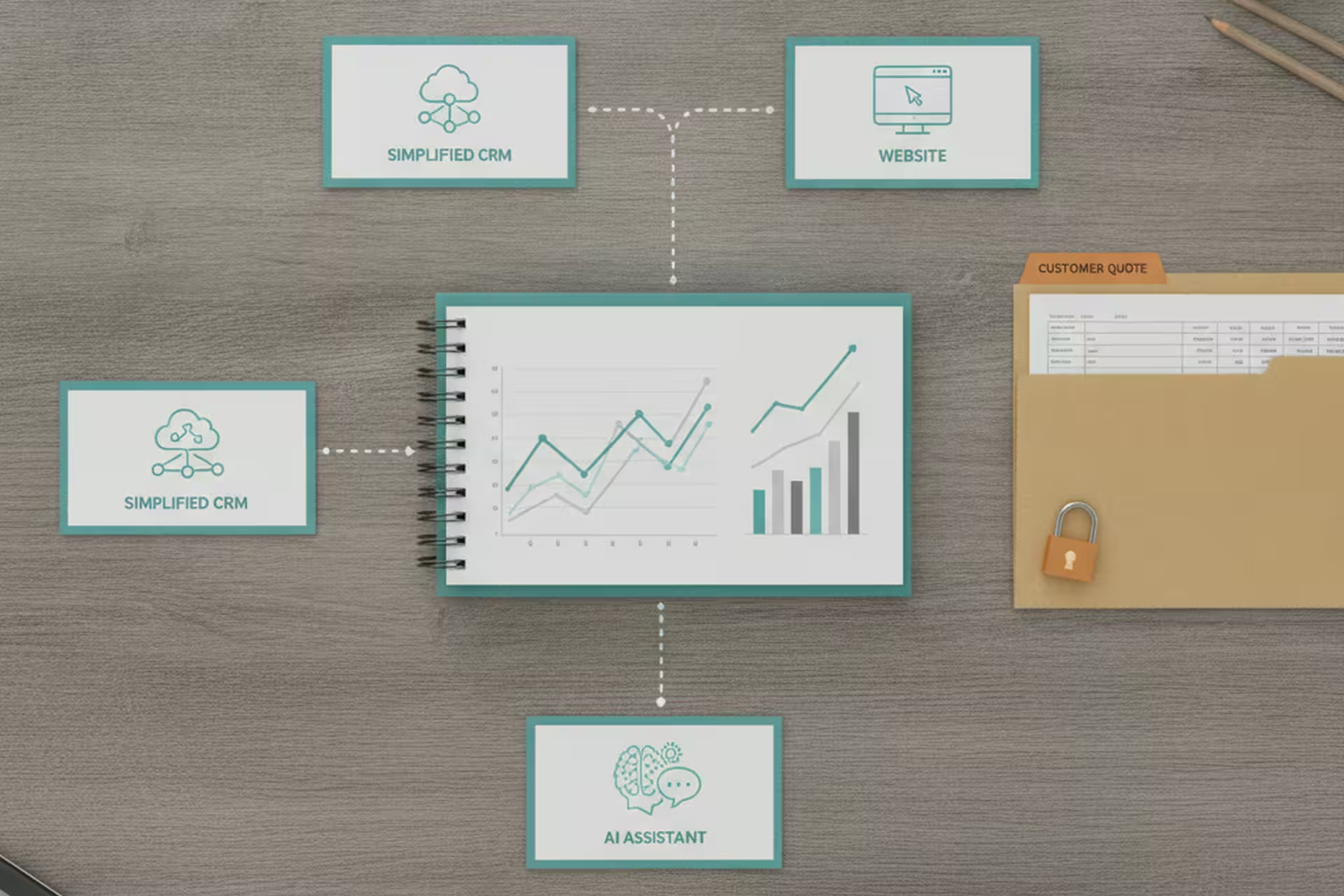
A customer called to confirm a proposal we’d sent a few weeks earlier. Simple question: “Is that price still good?” I should have been able to answer in five seconds. Instead I spent two minutes cross-referencing three different places while she waited on the line: our CRM (the software we use to track customers and jobs), an older pricing spreadsheet, and whatever our AI assistant had on file from its last sync.
None of them matched exactly. That was the problem.
Why small-business pricing drifts across systems
When you run a small business or contracting company, pricing has a way of multiplying across systems. The original lives in a spreadsheet. Someone pastes a copy into the customer-tracking software. The AI assistant learned from a snapshot that’s now three months old. The website shows a range nobody has updated since last year. None of this is careless. It’s just what happens when you’re moving fast and there’s no rule about where the number officially lives.
The drift is slow and mostly invisible. Until a customer catches it.
Make one master price list the source of truth
We settled on a rule: the master Excel workbook is the source of truth. Every price in every other system has to trace back to that one file. The AI assistant reads from it and doesn’t fill in numbers on its own. The CRM syncs from it. If there’s ever a conflict, the Excel wins.
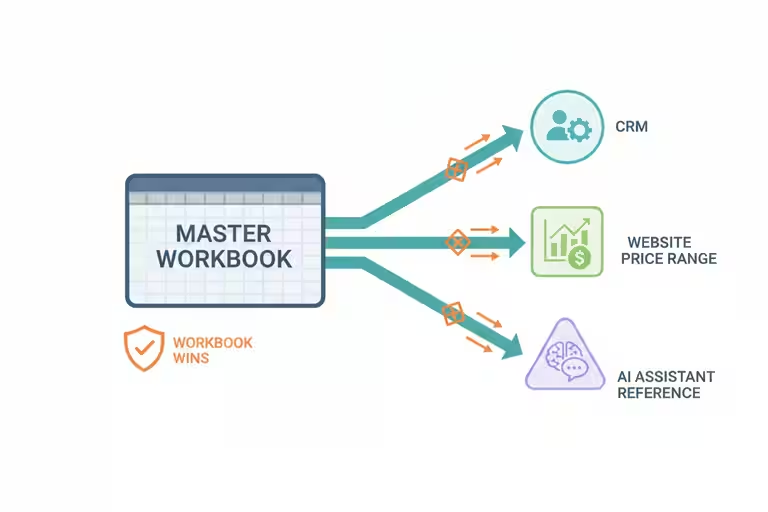
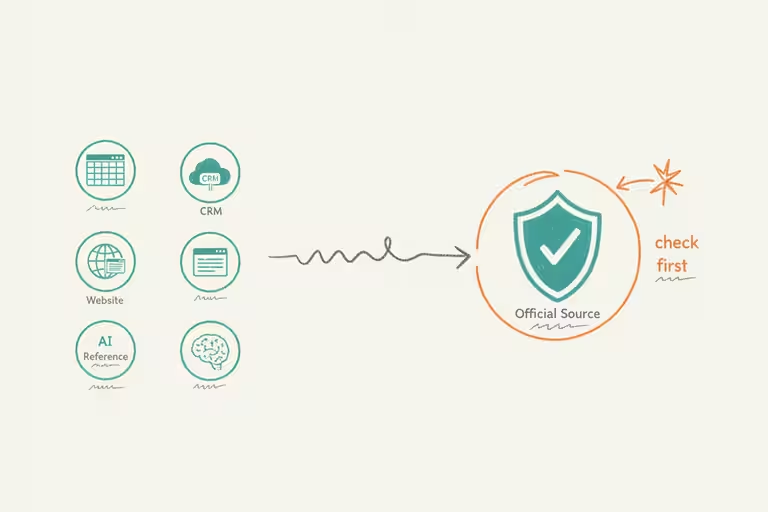
People in tech call this a “single source of truth.” The plain-English version: there is exactly one place where the right answer lives, and every person and every tool knows to check there first.
Getting there required cleanup. We went through the customer-tracking software and removed duplicate product rows that had crept in over time. We reconciled the project gallery pricing with what was in the workbook. It took a few days of careful work. After that, the AI’s answers stopped drifting.
Freeze customer quotes after they leave the shop
While we were doing this reconciliation, we found something that made us stop cold.
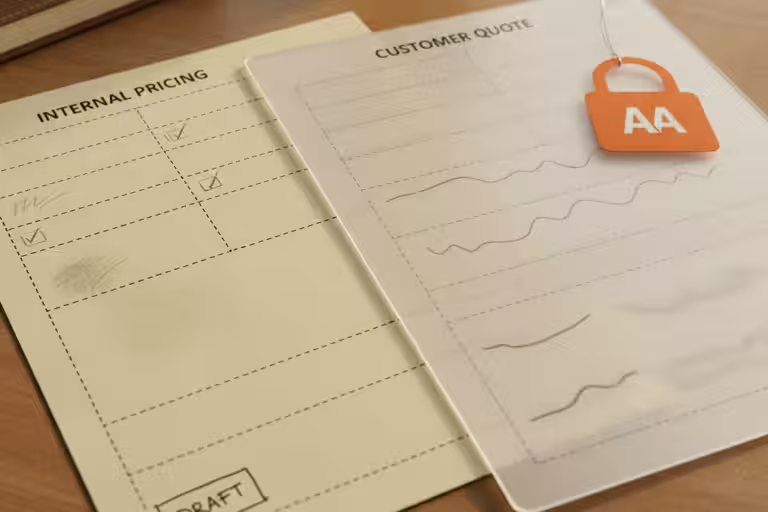
Saving a project record in the CRM was silently pulling in the current live price for each line item – even on records that already had a customer-facing quote attached. So a job we’d quoted to a customer at last month’s pricing could have its numbers quietly updated to today’s pricing the next time anyone opened and saved that record. No warning. No change log entry in plain sight. The numbers just changed.
We fixed the bug. But we also made a quote-management policy that doesn’t depend on the code being perfect: a line item that has been quoted to a customer is frozen. The AI cannot touch it. A human has to deliberately override it if circumstances genuinely require a change, and that action gets logged.
The principle generalizes to any business that sends proposals. Once you’ve told a customer a price, that price is a commitment. Your systems need to treat it that way, not leave it open for automated updates to drift through.
AI pricing tools need pinned source data
I use more than one AI model because each platform has strengths and weaknesses. One might be better at coding, one might be better at writing, and one might reason through a messy problem better on a given day. That is useful, but it also means the instruction has to be clear and the data has to be pinned down.
If the tool is reading from the master spreadsheet correctly, a model change should not cause price drift. If the instruction is vague and the source is stale, you are asking the AI to improvise with customer money. That is not a place I want improvisation.
Automation still needs a maintained price list
The AI syncing to the master spreadsheet only works if someone maintains the master spreadsheet. If prices change and nobody updates the workbook, the AI will confidently quote the old number right up until a customer points out the problem.
Automation doesn’t remove the responsibility to keep your data current. It just makes the consequences of not doing so more consistent – and therefore more visible when something goes wrong.
A simple pricing audit to run first
Pick the single most-quoted price in your business. Find every place that number lives. Write down which one is official. If you can point everyone – and every tool – at that one place, you’ve closed a gap that causes more small-business headaches than most people realize.
If you’ve already done that, check when it was last updated. The master list is only as good as the last time someone touched it.